Medisis
Login / Logout
How to login to the system
Step 1:
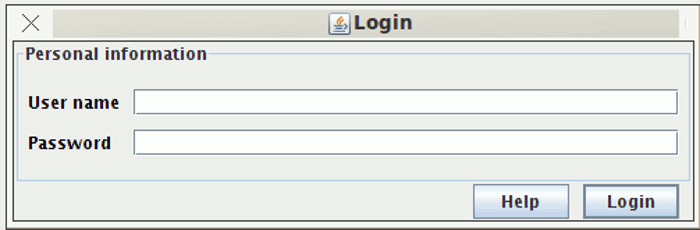
When the application starts the login screen appears. The "admin" user which is created by default in the setup of the program has a username of "admin", a default password of "admin" and a role of "admin". The password of this user can be changed on first login.
See figure 1
How to logout of the system
Step 1:
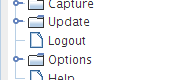
In the tree structure to the left of the application there is a logout node. Simply click on that and you are logged out.
See figure 2